At MITSkills, the safety, welfare, and mental wellbeing of our learners, apprentices, staff, and employer partners are always our highest priorities. Whether you are completing your apprenticeship training, working on placement, or delivering tuition, you deserve immediate access to dedicated support whenever you need it.
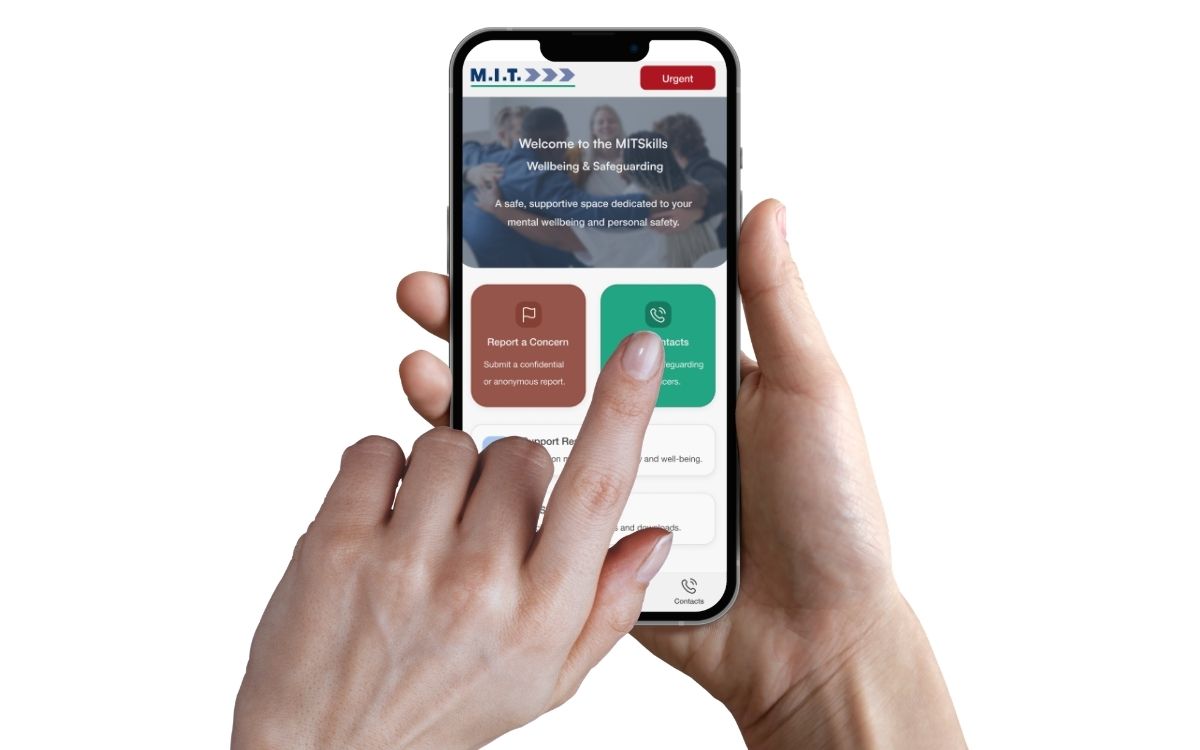
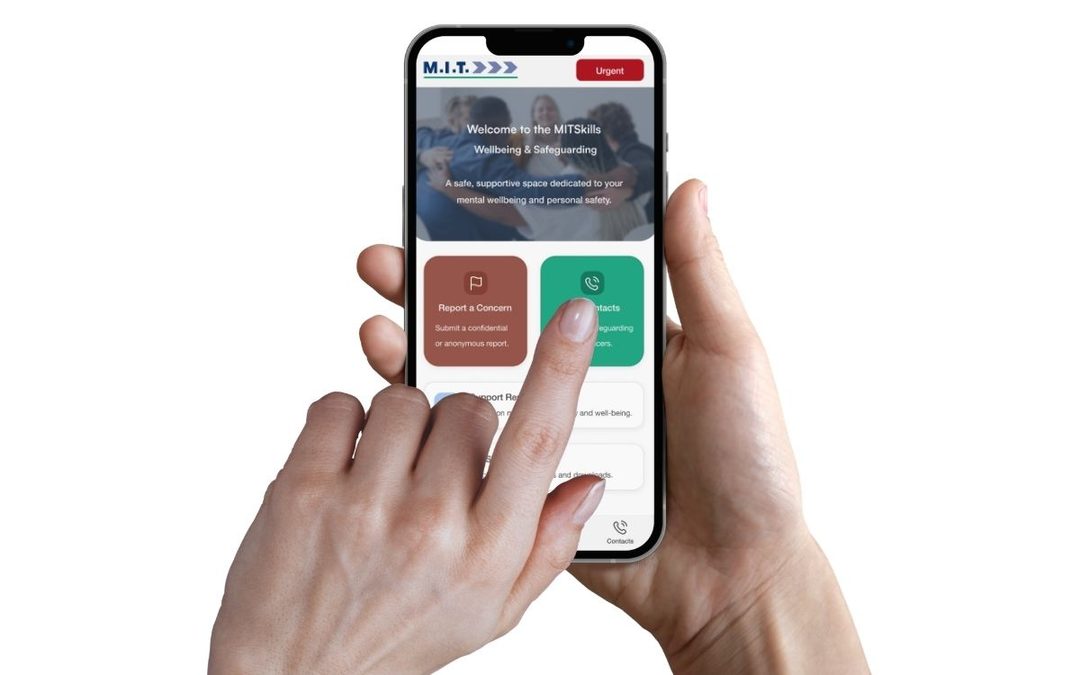
To ensure help and guidance are always within reach, we are proud to announce the launch of our brand new MITSkills Safeguarding, Wellbeing & IAG Hub web application.
This purpose-built platform provides a secure, centralised space to report concerns, connect with welfare officers, and browse official guidance across all mobile, tablet, and desktop devices.
What Does the App Offer?
1. Secure and Anonymous Concern Reporting
If you experience or witness something that causes concern, whether related to bullying, harassment, discrimination, or personal safety, the app allows you to submit a confidential report directly to our safeguarding team. For complete peace of mind, you can also choose to submit your concern entirely anonymously.
2. Direct Contact with Safeguarding & Mental Health Leads
Get in touch with dedicated support personnel instantly. The app provides direct phone numbers and email links for:
- Designated Safeguarding Leads (DSL): For immediate welfare, safety, and Prevent advice during and outside office hours.
- Mental Health First Aiders (MHFA): For guidance and empathetic assistance with emotional wellbeing.
- Information, Advice & Guidance (IAG): For course, career, and apprenticeship progression queries.
3. 24/7 Crisis and Emergency Access
In an urgent situation, every second counts. The app features a dedicated “Urgent” module providing one-tap calling to emergency services (999) and the Samaritans helpline (116 123).
4. Comprehensive Wellbeing Resources and Governance Policies
Explore up-to-date welfare articles, practical advice on maintaining positive mental health in the workplace, and full access to MITSkills’ official compliance and policy documentation.
How to Download the App to Your Device
You do not need an app store account to install the application. You can download and install it directly through your web browser in seconds:
On iPhone / iPad (Safari):
- Open https://mitskills.com/safeguarding/ in Safari.
- Tap the Share button.
- Scroll down and select Add to Home Screen.
On Android (Chrome):
- Open https://mitskills.com/safeguarding/ in Chrome.
- Tap the menu icon (three dots) in the top-right corner.
- Tap Install App or Add to Home Screen.
On Windows / Mac (Chrome, Edge, Safari):
- Open https://mitskills.com/safeguarding/ on your desktop browser.
- Click the install icon in the address bar (or select “Install App” from the browser menu).
We Are Here to Support You
The new Safeguarding Hub represents our continued commitment to fostering a safe, inclusive, and supportive learning environment for everyone at MITSkills.
Download our application today by visiting https://mitskills.com/safeguarding/ and ensure that help, guidance, and peace of mind are always just a tap away.